In my virtual reality research, I needed the ability to clean up my photogrammetry models, as well as be able to create my own assets to add to the VR scenes. While I had access to the Autodesk Suite, Blender was an easy choice for this as I can create 3D modeling, rigging, and animation very smoothly after a bit of a learning curve (Pre-Blender 2.8). Above all, it was free with thousands of tutorials available.
I started with the Donut tutorial, made by the ‘Blender Guru’, Andrew Price. This series covers all aspects of modeling, texturing, shading, lighting, and more.

Result of the Donut tutorial
Next I moved to the Anvil series, an intermediate Blender series, also by Andrew Price. This series took me through advanced modeling techniques, as well as sculpting, painting, and a new rendering method.

Result of the Anvil tutorial
There tutorials gave me the ability to create assets for my VR projects, however they were only static objects. To learn how to create animated characters to interact with in VR, I used the Character Creation series by Sebastian Lague. This series included modeling, texturing, rigging, animating, and importing to Unity.

Key framing in Blender after modeling and rigging the model on the left
I used MakeHuman to create a majority of my human characters. With community made plugins and tutorials, I was able to develop a workflow import these characters directly into Unity.
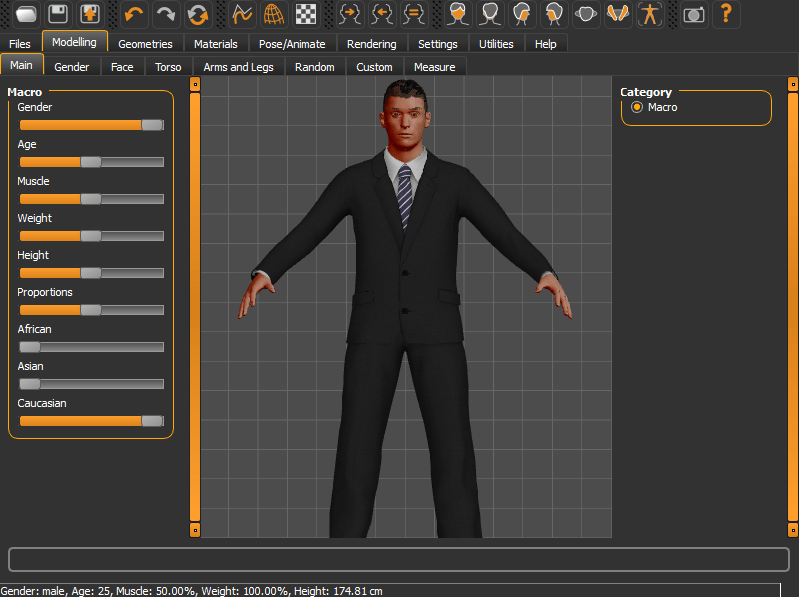
Interface in MakeHuman
 Nathan De Stafeno